
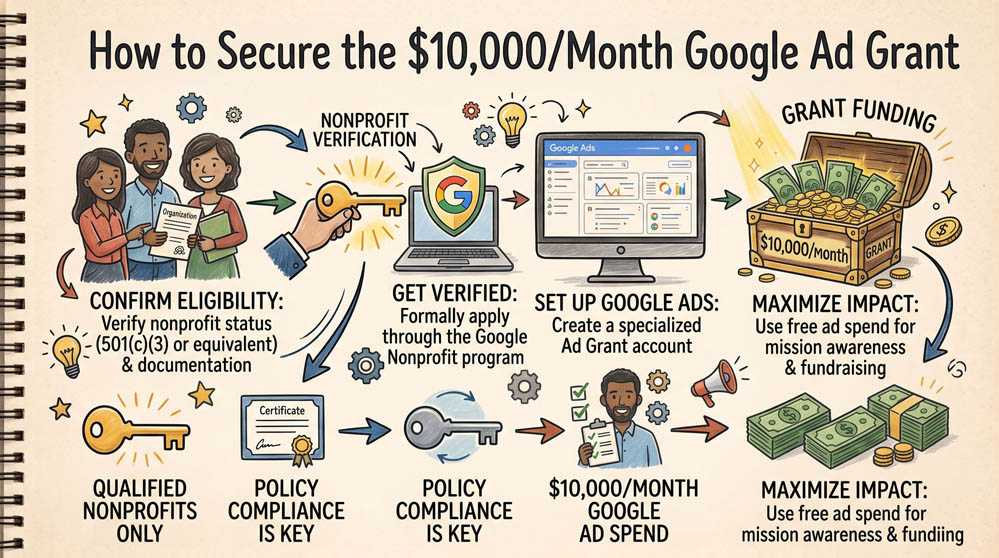
The Google Ad Grant provides eligible 501(c)(3) organizations with up to $10,000 per month in in-kind search advertising credits. This grant places your organization at the top of Google search results when people in your community search for your services, volunteer opportunities, or donation programs.
Step 1: Ensure Your Website Meets Compliance Standards
Google strictly reviews nonprofit websites before approving grant funding. Your website must be hosted on your own domain, secured with an active SSL certificate (HTTPS), have clear mission statements, and feature functional pages describing your direct programs. Broken links or commercial affiliate banners will result in rejection.
Step 2: Enroll in Google for Nonprofits and Submit the Grant Application
Access your Google for Nonprofits dashboard. Under the Google Ad Grants section, click Activate. You will be directed to complete a pre-qualification survey and submit your website URL for review. Google reviews your website structure to confirm your organization operates as a legitimate public charity.
Step 3: Configure Your First Keyword Campaign
Once approved, access your dedicated Ad Grants account. Build search campaigns focused exclusively on mission-related keywords. Note that Google requires Ad Grant accounts to maintain at least a 5% click-through rate (CTR) each month and forbids single-word or overly generic keywords to keep the account active.
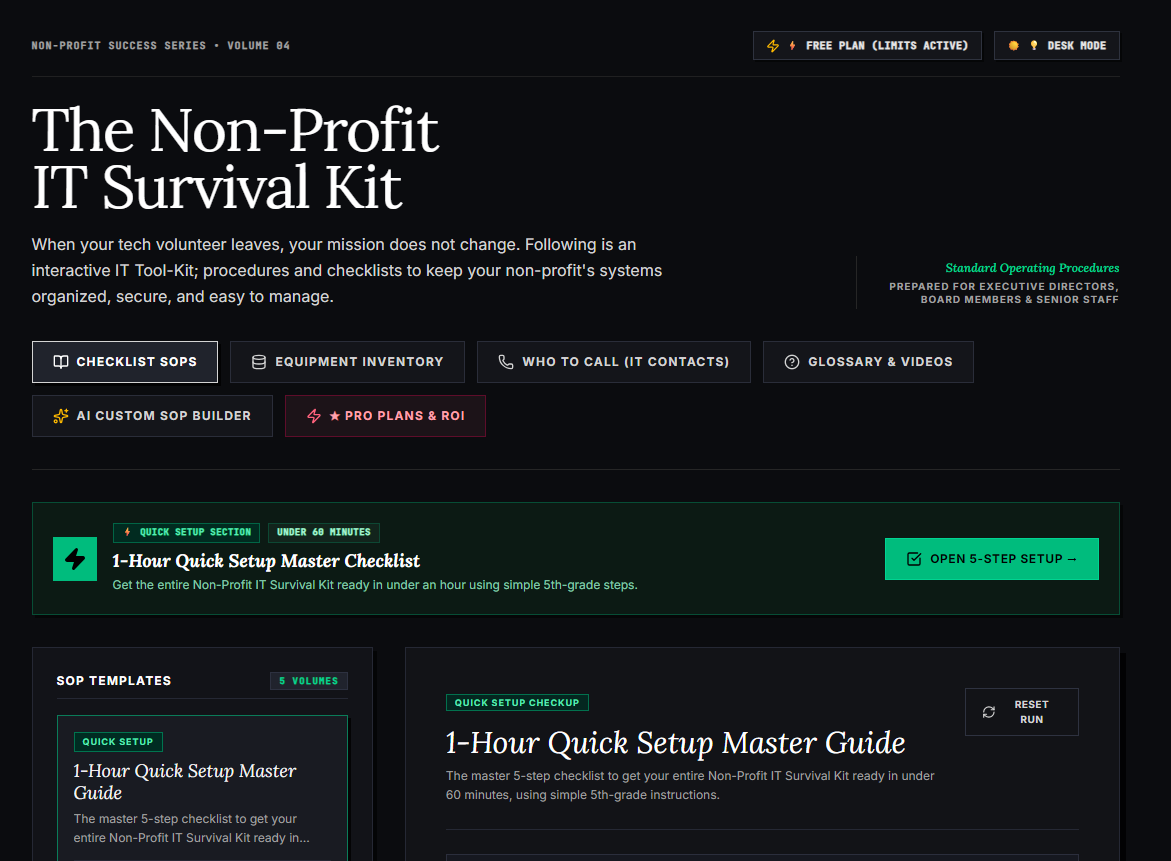
🌟 What’s Included Inside the Hub:
- ⏱ 1-Hour Quick Setup Master Checklist: Get your entire organization’s essential IT organized in under 60 minutes using simple, step-by-step guidance.
- 📋 Complete SOP Checklist Library: Ready-to-use Standard Operating Procedures for onboarding new staff, offboarding volunteers, password security, and data backup.
- 💻 Equipment & Hardware Inventory Tracker: Easily log and track donated laptops, office PCs, printers, and network gear without complicated spreadsheets.
- 📞 “Who to Call” Emergency IT Contact Directory: A centralized registry for internet providers, domain hosts, software support, and emergency technician contacts.
- 📖 Plain-English Tech Glossary & Video Guides: Simple explanations of everyday tech terms so your team never feels lost in technical jargon.
- 🤖 AI Custom SOP Builder: Need a procedure unique to your non-profit? Generate customized, step-by-step IT guidelines in seconds.
👉 Open Free Interactive Hub Here →
0 Comments