
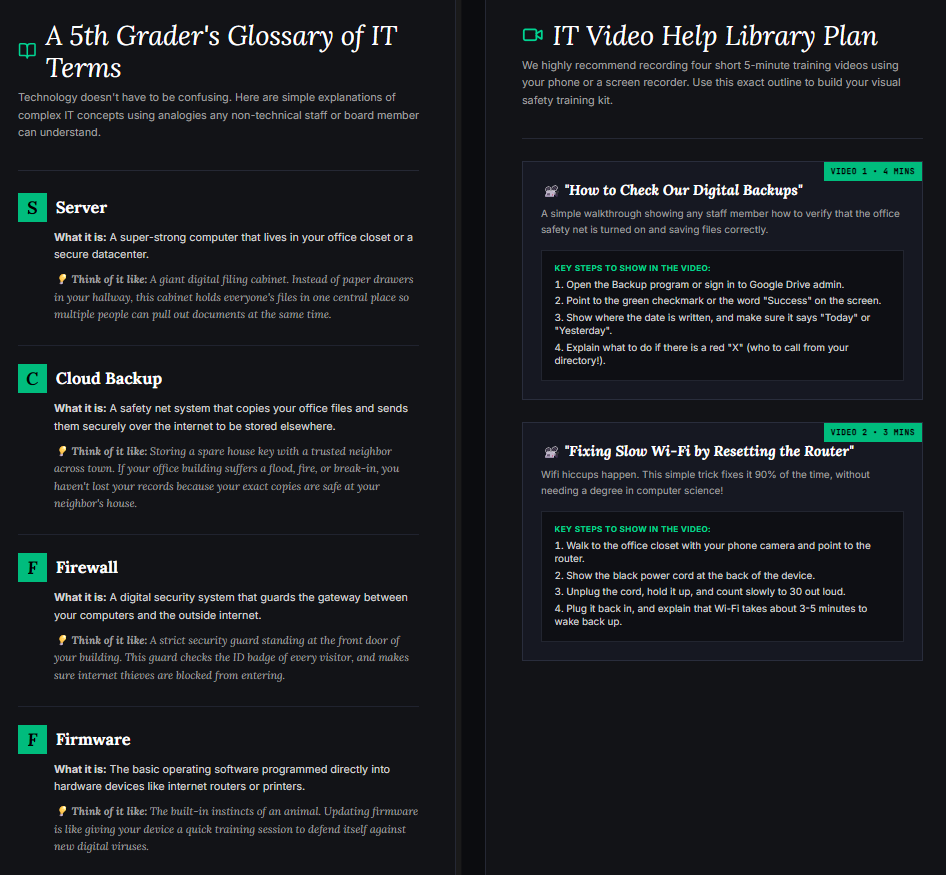
In many community centers, the office Wi-Fi and network switches are treated like invisible appliances until the internet drops during a board meeting or donor presentation. In most cases, a former volunteer installed the router years ago, set an administrative password, and left no record of how to access the portal.
Documenting network infrastructure is an essential operational responsibility. Start by locating the physical networking closet or cabinet. Record the make, model, MAC address, and serial number of every modem, firewall, network switch, and wireless access point.
Next, obtain and test the administrative credentials for your primary router and gateway. Verify whether the hardware requires a local IP login (such as 192.168.1.1) or connects through a cloud management platform (such as Ubiquiti UniFi, Cisco Meraki, or TP-Link Omada). Store these administrative credentials securely in your organization’s password vault.
Finally, check your wireless network configuration. Ensure your non-profit maintains at least two separate wireless networks: an internal, encrypted Wi-Fi network for staff and office printers, and an isolated Guest Wi-Fi network for clients and visitors. Separating guest traffic ensures that non-staff members cannot access internal files, shared drives, or financial systems.
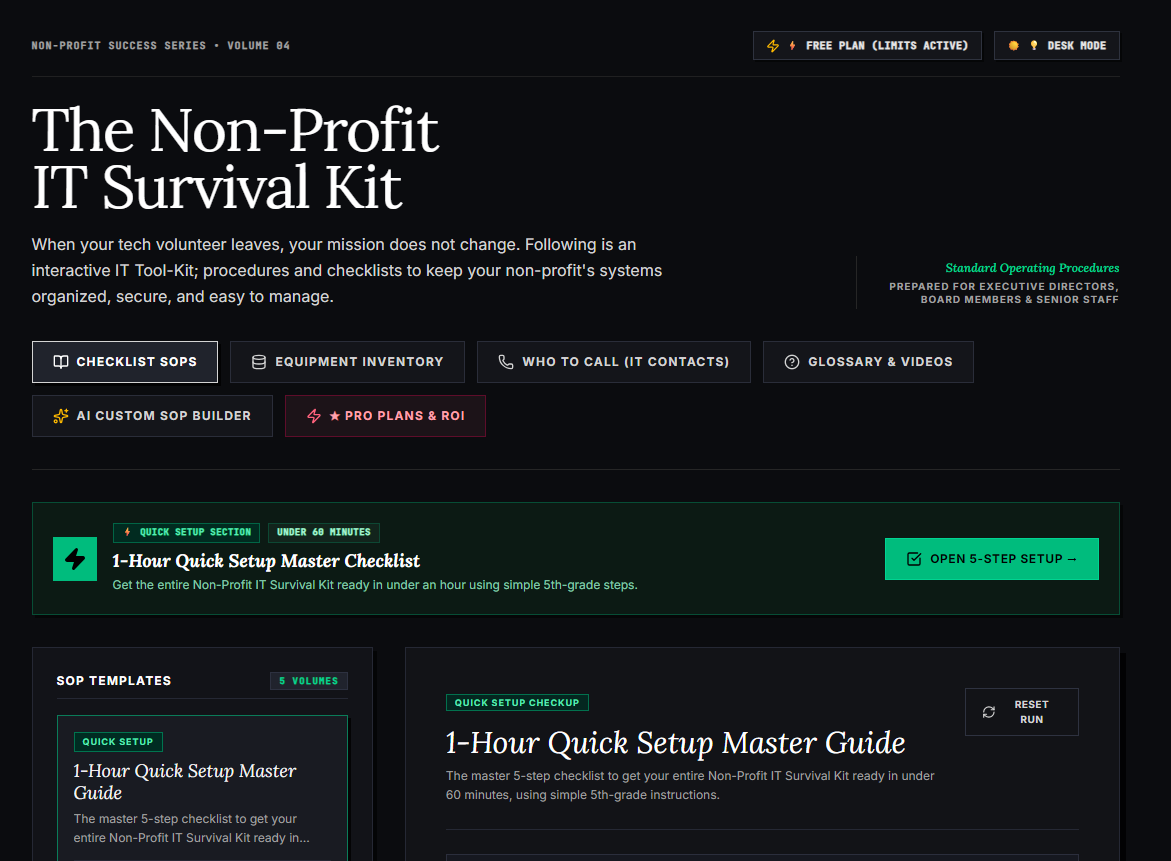
🌟 What’s Included Inside the Hub:
- ⏱ 1-Hour Quick Setup Master Checklist: Get your entire organization’s essential IT organized in under 60 minutes using simple, step-by-step guidance.
- 📋 Complete SOP Checklist Library: Ready-to-use Standard Operating Procedures for onboarding new staff, offboarding volunteers, password security, and data backup.
- 💻 Equipment & Hardware Inventory Tracker: Easily log and track donated laptops, office PCs, printers, and network gear without complicated spreadsheets.
- 📞 “Who to Call” Emergency IT Contact Directory: A centralized registry for internet providers, domain hosts, software support, and emergency technician contacts.
- 📖 Plain-English Tech Glossary & Video Guides: Simple explanations of everyday tech terms so your team never feels lost in technical jargon.
- 🤖 AI Custom SOP Builder: Need a procedure unique to your non-profit? Generate customized, step-by-step IT guidelines in seconds.
👉 Open Free Interactive Hub Here →
0 Comments