
Ad-hoc offboarding is the number one cause of security breaches in community organizations. When an employee or volunteer leaves, their offboarding often consists of a quick goodbye and a return of office keys, while digital credentials remain active across dozens of platforms for months.
A formalized, role-based IT Exit Checklist establishes clear accountability. To build an effective checklist, group tasks into three sequential phases: Pre-Departure, Day-Of, and Post-Departure.
During the Pre-Departure phase, schedule a knowledge transfer meeting. Have the outgoing worker demonstrate active automations, identify administrative recovery paths, and confirm all work files are saved into organization-owned shared drives.
On the Day-Of, revoke administrative credentials, change master shared logins, and deactivate their user account in your identity provider (Google Workspace or Microsoft 365). Recover assigned laptops, mobile devices, and security keys, logging their return in your asset directory.
In the Post-Departure phase, set up an automatic email responder on the former user’s inbox routing incoming inquiries to an active staff member, and perform a final audit of third-party connected apps. Standardizing this protocol ensures consistent, error-free transitions every time team members step down.
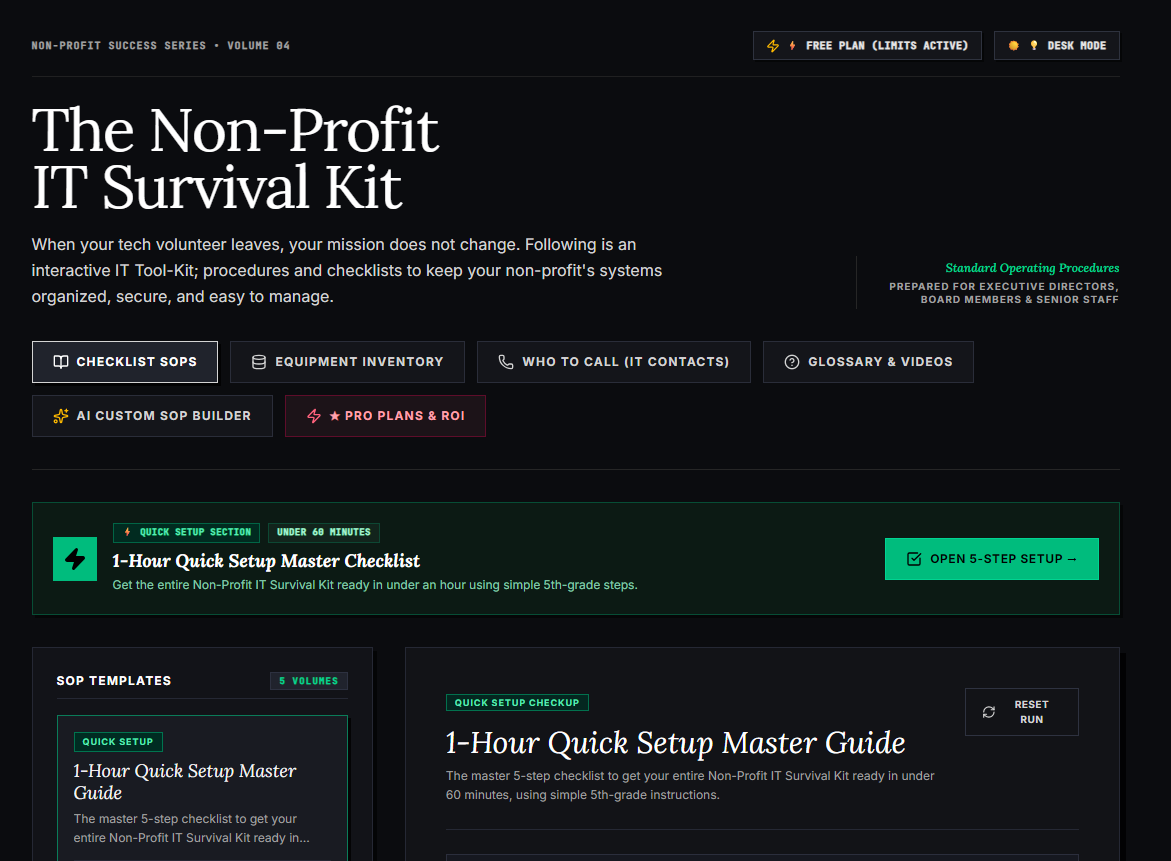
🌟 What’s Included Inside the Hub:
- ⏱ 1-Hour Quick Setup Master Checklist: Get your entire organization’s essential IT organized in under 60 minutes using simple, step-by-step guidance.
- 📋 Complete SOP Checklist Library: Ready-to-use Standard Operating Procedures for onboarding new staff, offboarding volunteers, password security, and data backup.
- 💻 Equipment & Hardware Inventory Tracker: Easily log and track donated laptops, office PCs, printers, and network gear without complicated spreadsheets.
- 📞 “Who to Call” Emergency IT Contact Directory: A centralized registry for internet providers, domain hosts, software support, and emergency technician contacts.
- 📖 Plain-English Tech Glossary & Video Guides: Simple explanations of everyday tech terms so your team never feels lost in technical jargon.
- 🤖 AI Custom SOP Builder: Need a procedure unique to your non-profit? Generate customized, step-by-step IT guidelines in seconds.
👉 Open Free Interactive Hub Here →
0 Comments