
When a tech volunteer or remote contractor steps down, recovering and securing organizational hardware is critical. Often, non-profit laptops, external backup drives, and network equipment remain in the possession of former helpers for months. Hardware left unmanaged represents a serious physical data exposure and an inventory loss.
A structured hardware return procedure begins with an accurate Equipment Asset Directory. When an IT helper indicates they are departing, verify the serial numbers of every physical asset assigned to them: laptops, tablets, docking stations, hardware security keys, and external hard drives.
Once physical devices are returned to the office, do not simply hand the laptop to the next volunteer. Even with trusted helpers, standard security hygiene requires performing a cryptographic data wipe and a clean operating system reinstall. This prevents legacy session tokens, personal browsing histories, or unapproved software from lingering on organizational machines.
Finally, log into your mobile device management (MDM) portal or Google Workspace endpoint console to unenroll the hardware from the former user’s profile. Update the Equipment Asset Directory to reflect that the device has been sanitized and returned to inventory. Standardized hardware reclamation protects sensitive donor data and ensures devices are properly prepared for your next team member.
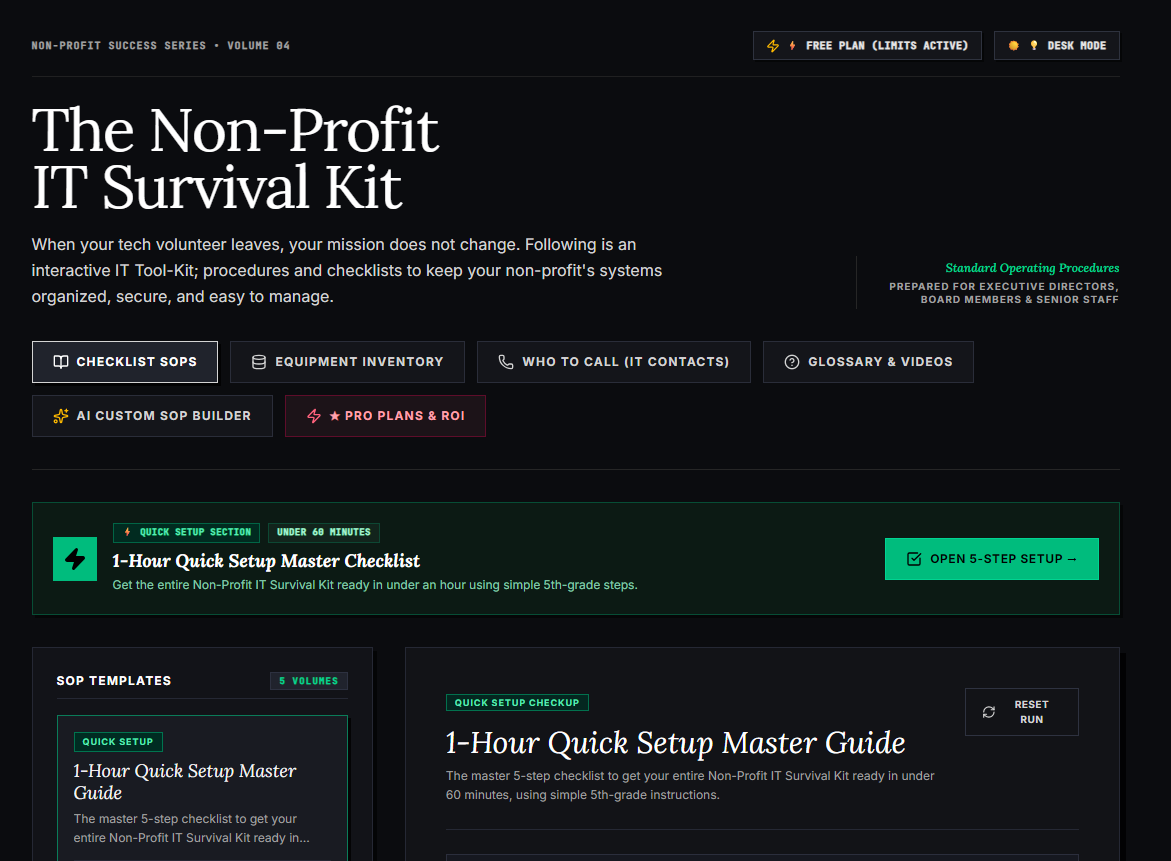
🌟 What’s Included Inside the Hub:
- ⏱ 1-Hour Quick Setup Master Checklist: Get your entire organization’s essential IT organized in under 60 minutes using simple, step-by-step guidance.
- 📋 Complete SOP Checklist Library: Ready-to-use Standard Operating Procedures for onboarding new staff, offboarding volunteers, password security, and data backup.
- 💻 Equipment & Hardware Inventory Tracker: Easily log and track donated laptops, office PCs, printers, and network gear without complicated spreadsheets.
- 📞 “Who to Call” Emergency IT Contact Directory: A centralized registry for internet providers, domain hosts, software support, and emergency technician contacts.
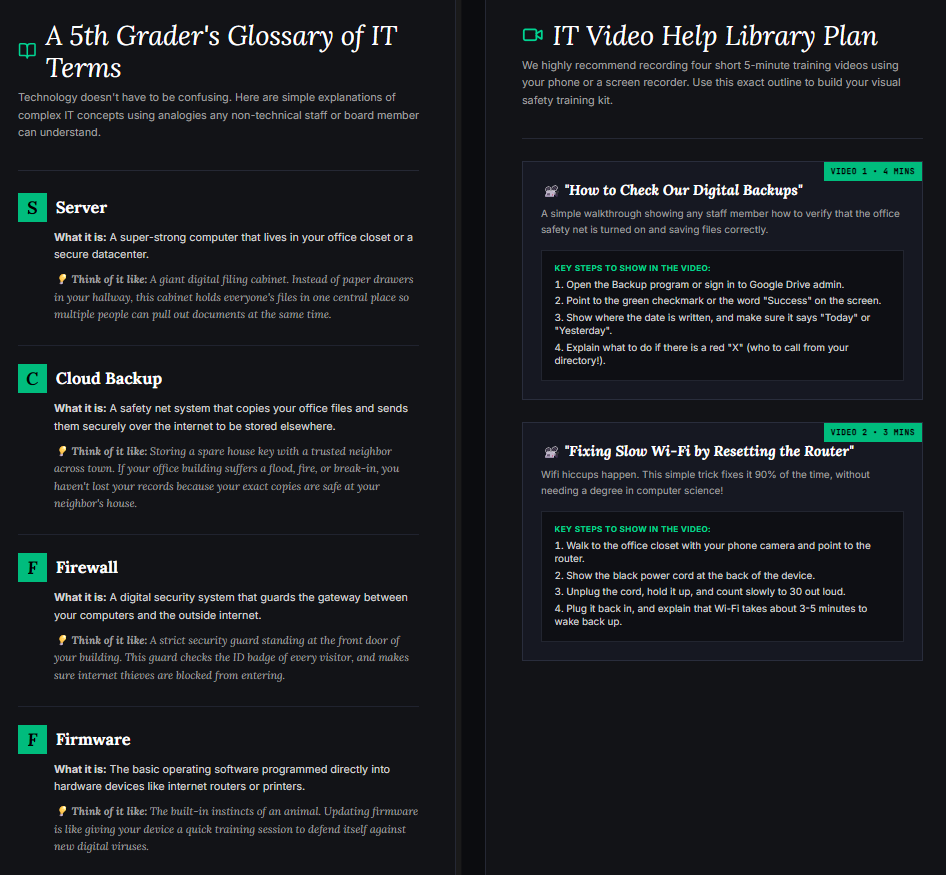
- 📖 Plain-English Tech Glossary & Video Guides: Simple explanations of everyday tech terms so your team never feels lost in technical jargon.
- 🤖 AI Custom SOP Builder: Need a procedure unique to your non-profit? Generate customized, step-by-step IT guidelines in seconds.
👉 Open Free Interactive Hub Here →
0 Comments