
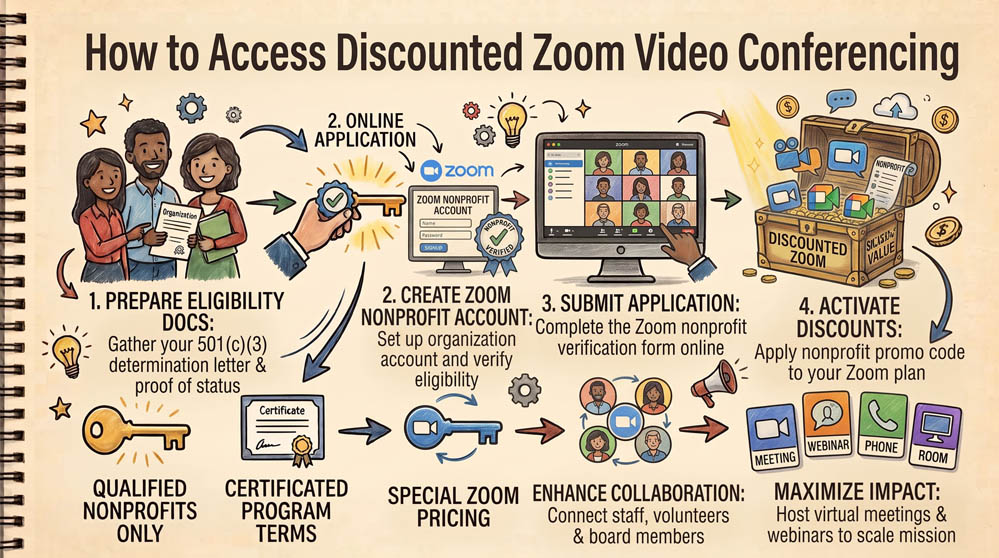
The free version of Zoom caps group meetings at 40 minutes, disrupting board sessions, staff meetings, and donor presentations. While Zoom does not offer a 100% free enterprise tier, eligible 501(c)(3) organizations can secure a 50% discount on Zoom Workplace Pro and Business plans through TechSoup.
Step 1: Verify Account Standing on TechSoup
Ensure your organization is actively verified on TechSoup. Log in to TechSoup.org and search the product catalog for Zoom for Nonprofits.
Step 2: Request the Zoom Discount Token
Add the Zoom Workplace One-Year Subscription – Access to Discounted Rates to your cart. TechSoup charges a small administrative fee. After completing checkout, TechSoup generates a dedicated coupon code and redemption link sent to your administrative email.
Step 3: Apply the Discount on Zoom.us
Follow the redemption link provided in your order confirmation email. Create a new Zoom account or log into an existing Free Zoom account. Apply the coupon code during the checkout process. A 50% discount will apply immediately to up to 99 host licenses, lifting the 40-minute limit and enabling cloud recording.
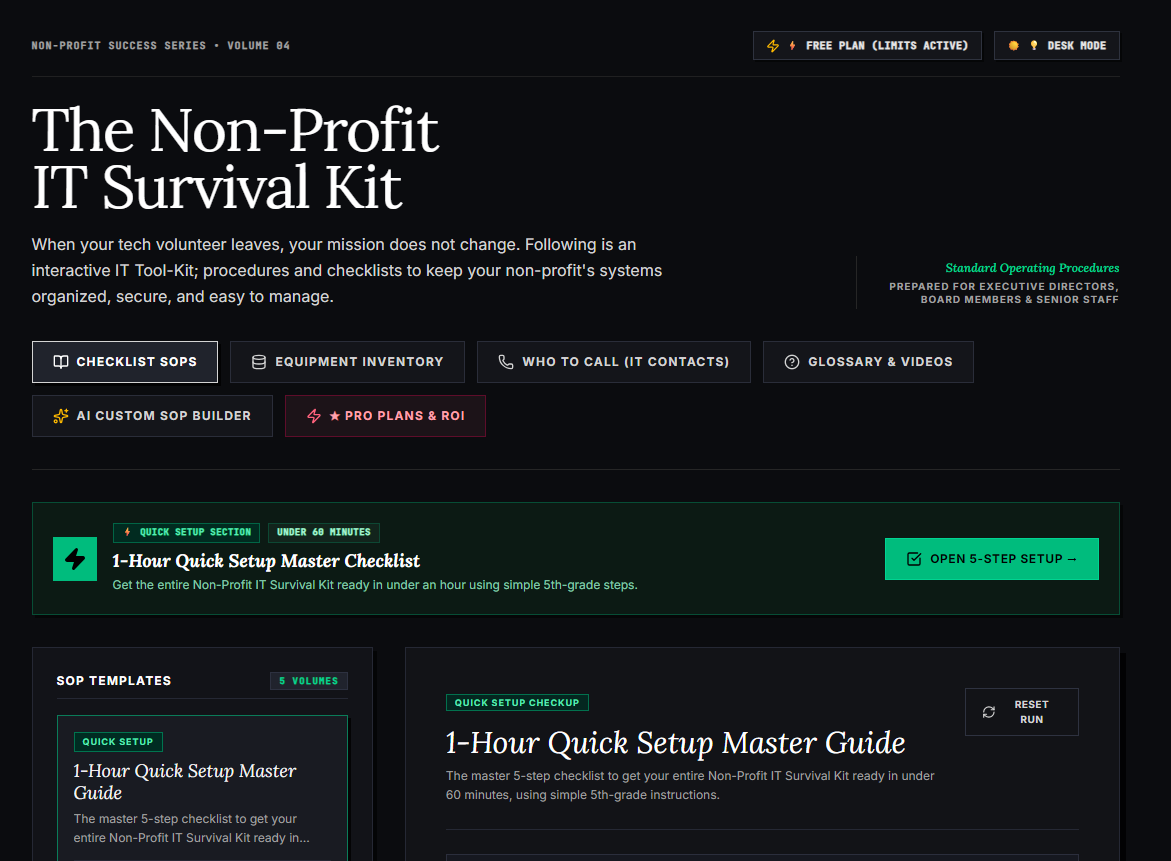
🌟 What’s Included Inside the Hub:
- ⏱ 1-Hour Quick Setup Master Checklist: Get your entire organization’s essential IT organized in under 60 minutes using simple, step-by-step guidance.
- 📋 Complete SOP Checklist Library: Ready-to-use Standard Operating Procedures for onboarding new staff, offboarding volunteers, password security, and data backup.
- 💻 Equipment & Hardware Inventory Tracker: Easily log and track donated laptops, office PCs, printers, and network gear without complicated spreadsheets.
- 📞 “Who to Call” Emergency IT Contact Directory: A centralized registry for internet providers, domain hosts, software support, and emergency technician contacts.
- 📖 Plain-English Tech Glossary & Video Guides: Simple explanations of everyday tech terms so your team never feels lost in technical jargon.
- 🤖 AI Custom SOP Builder: Need a procedure unique to your non-profit? Generate customized, step-by-step IT guidelines in seconds.
👉 Open Free Interactive Hub Here →
0 Comments