
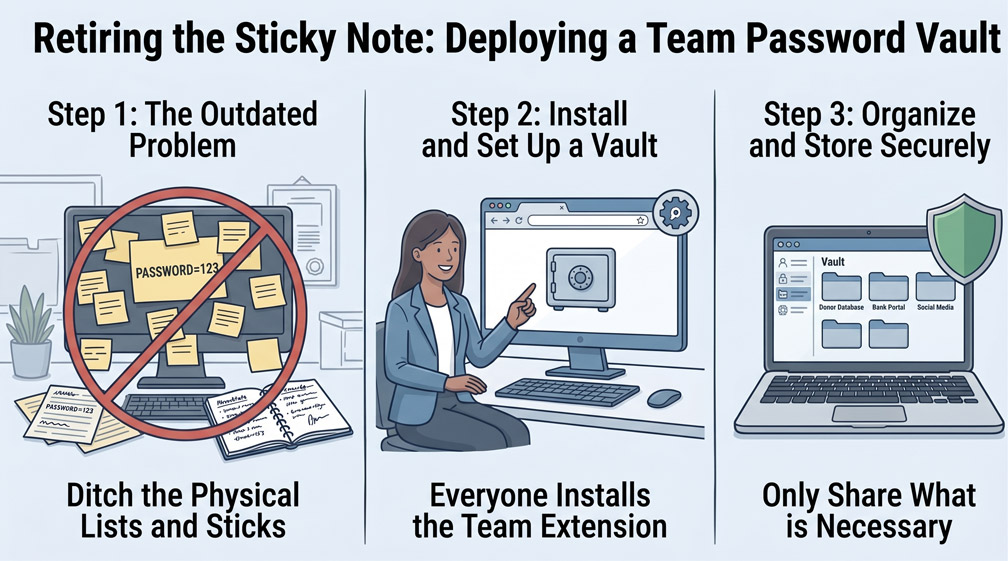
Walk into almost any small nonprofit office, and you will find passwords written on sticky notes stuck under keyboards, scribbled inside communal desk drawers, or saved in an unencrypted file named "Passwords.xlsx" on a shared desktop. When team members rely on improvised password storage, staff reuse the same weak passwords across multiple accounts, and offboarding departing volunteers becomes an administrative nightmare.
Step 1: Selecting a Zero-Knowledge Password Vault Architecture
Modern password managers use end-to-end zero-knowledge encryption, meaning not even the software vendor can view your stored credentials. Deploy an enterprise-grade platform such as Bitwarden or 1Password, both of which offer substantial nonprofit discounts or free tiers. Every staff member receives their own unique vault account protected by a strong, memorable master passphrase, eliminating the need to memorize dozens of disparate complex logins.
Step 2: Organizing Compartmentalized Departmental Collections
Avoid dumping every organizational credential into one massive communal folder. Create structured "Collections" or shared folders mapped directly to departmental job roles. The Finance team should access banking and accounting logins; the Communications team should access social media platforms and email newsletters; and Program Managers should access client database portals. Role-based collections ensure staff only see the credentials required for their specific responsibilities.
Step 3: Centralizing Authenticator (TOTP) Codes Inside Vault Records
Two-factor authentication often breaks down when multiple staff members need to log into a shared service, like a state grant reporting portal or postal account. Instead of routing 2FA codes to an executive's personal smartphone, store the Time-Based One-Time Password (TOTP) seed directly inside the shared vault entry. Authorized team members can view the rolling 6-digit authentication code instantly inside their vault extension, enabling seamless collaboration without sacrificing security.
0 Comments