
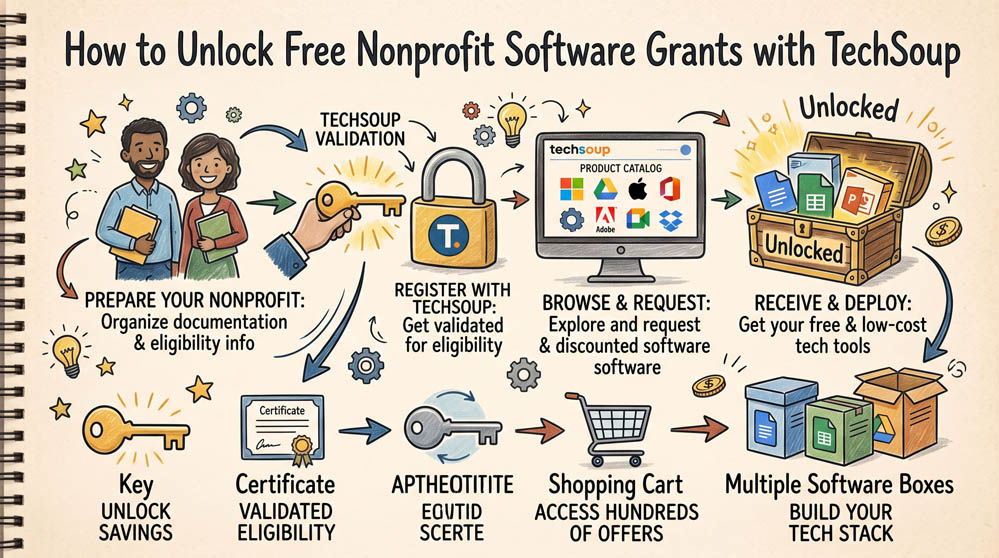
p>Most commercial technology companies do not handle nonprofit verification internally. Instead, they rely on TechSoup to confirm your 501(c)(3) status. Getting validated through TechSoup is the master key required to access billions of dollars in software discounts and donations from Google, Microsoft, Adobe, and hardware providers.
Step 1: Gather Required Legal Documentation
Before beginning the application, ensure you have digital copies of your official documents ready. You will need your IRS 501(c)(3) determination letter, your organization’s Employer Identification Number (EIN), your current physical operating address, and the legal name of your executive director. Having these documents ready prevents application timeouts.
Step 2: Register the Organization Account
Visit TechSoup.org and create an individual account for the primary administrator. Once logged in, navigate to the organization registration portal. Enter your EIN and match your organization’s legal name and address exactly as they appear on your IRS determination letter. Any mismatch between your legal paperwork and your input will trigger a manual review and cause delays.
Step 3: Complete Validation and Retrieve Your Validation Token
TechSoup typically reviews documentation within 5 to 10 business days. Once approved, log in to your account and navigate to your account profile to locate your Validation Token. This alphanumeric code is the credential you paste into portals like Google for Nonprofits and Microsoft Philanthropies to instantly prove your status.
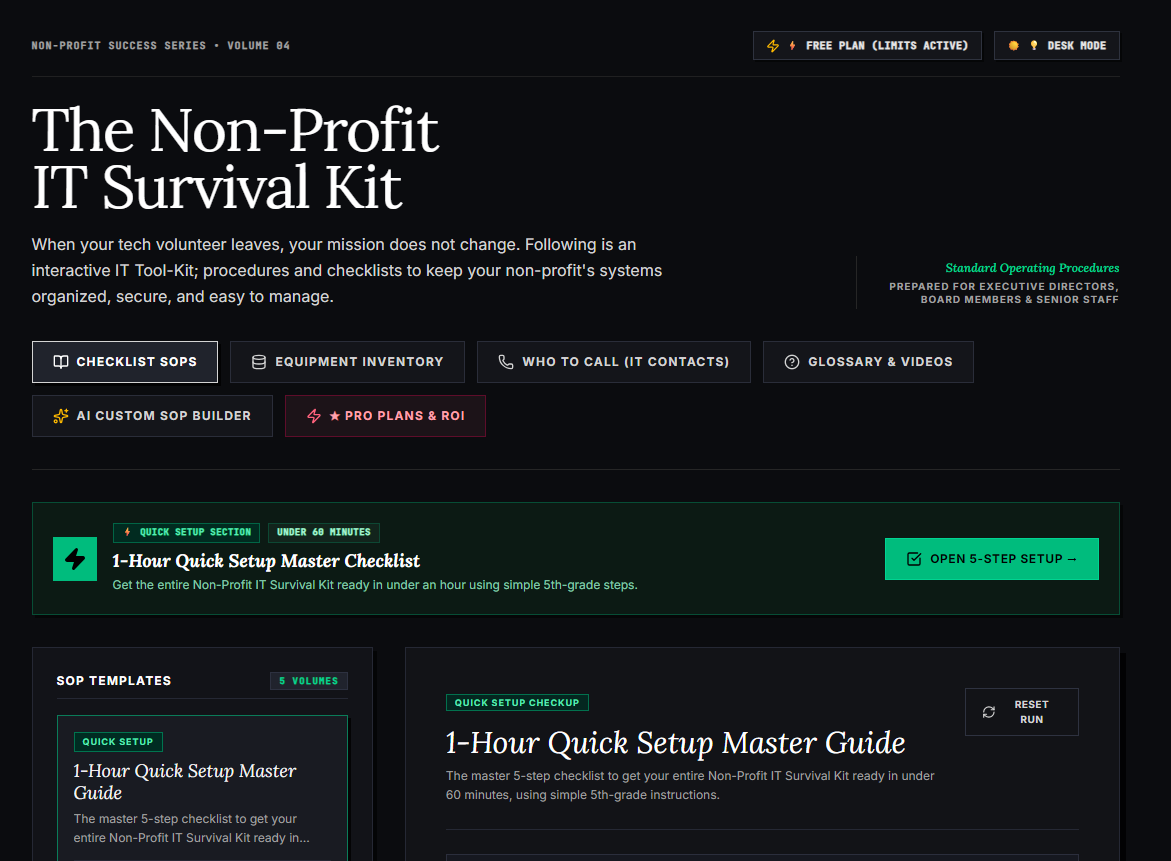
🌟 What’s Included Inside the Hub:
- ⏱ 1-Hour Quick Setup Master Checklist: Get your entire organization’s essential IT organized in under 60 minutes using simple, step-by-step guidance.
- 📋 Complete SOP Checklist Library: Ready-to-use Standard Operating Procedures for onboarding new staff, offboarding volunteers, password security, and data backup.
- 💻 Equipment & Hardware Inventory Tracker: Easily log and track donated laptops, office PCs, printers, and network gear without complicated spreadsheets.
- 📞 “Who to Call” Emergency IT Contact Directory: A centralized registry for internet providers, domain hosts, software support, and emergency technician contacts.
- 📖 Plain-English Tech Glossary & Video Guides: Simple explanations of everyday tech terms so your team never feels lost in technical jargon.
- 🤖 AI Custom SOP Builder: Need a procedure unique to your non-profit? Generate customized, step-by-step IT guidelines in seconds.
👉 Open Free Interactive Hub Here →
0 Comments