
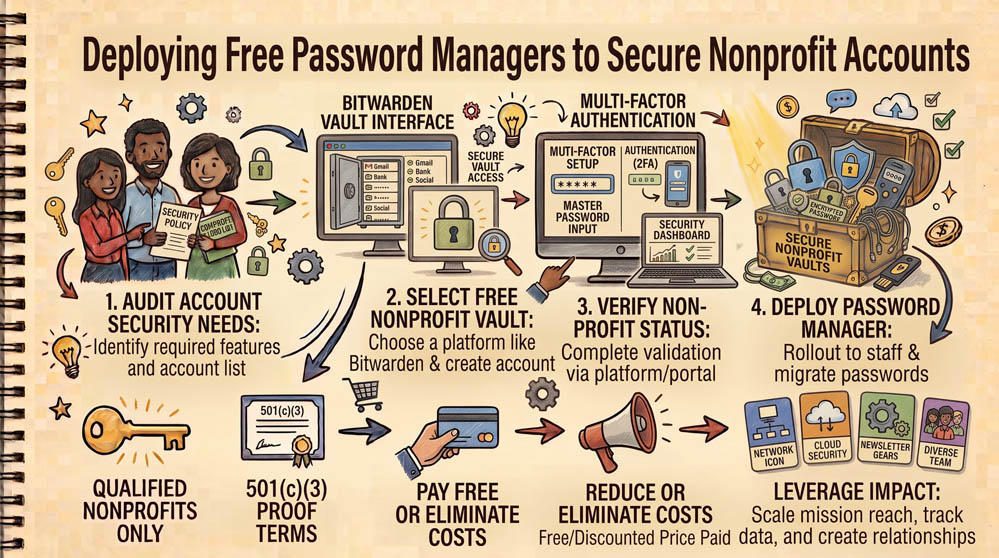
Writing organization passwords on sticky notes, in shared spreadsheets, or sending them over text messages invites account compromise. Using an enterprise password manager allows your team to generate, store, and share credentials securely with end-to-end encryption.
Step 1: Select the Right Password Tool for Your Setup
Bitwarden offers a free tier with unlimited password storage across all devices along with heavily discounted enterprise team plans for shared credentials. KeePass is a completely free, open-source, offline password database storing credentials in an encrypted local file (.kdbx) without cloud subscription dependencies.
Step 2: Establish a Strong Master Password Policy
Create a master passphrase for the vault that is at least 16 characters long, using 4 or 5 unrelated words. This passphrase must never be shared or stored in a web browser.
Step 3: Enable Two-Factor Authentication (2FA) on the Vault
Protect the password vault itself with two-factor authentication using an authenticator app (such as Google Authenticator). For shared team accounts, use the password manager’s built-in sharing collections so staff can log in to vendor accounts without viewing the underlying master password.
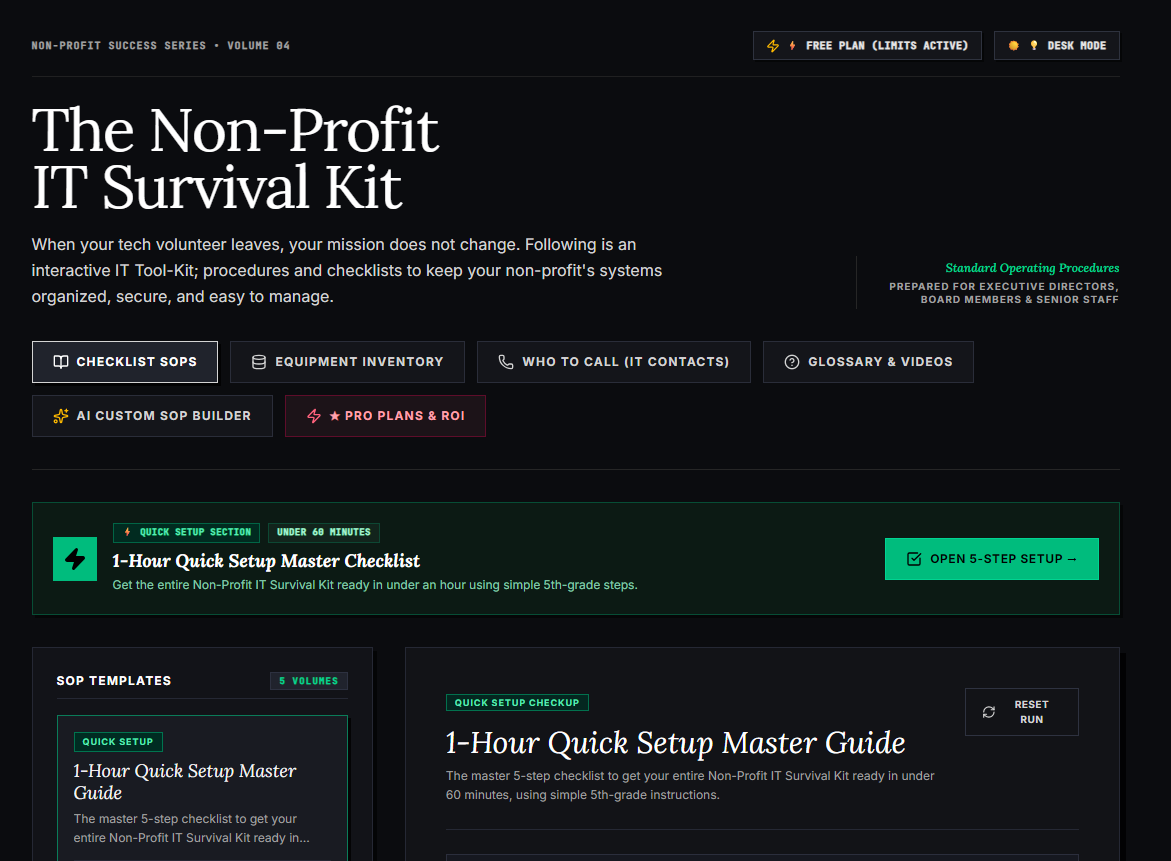
🌟 What’s Included Inside the Hub:
- ⏱ 1-Hour Quick Setup Master Checklist: Get your entire organization’s essential IT organized in under 60 minutes using simple, step-by-step guidance.
- 📋 Complete SOP Checklist Library: Ready-to-use Standard Operating Procedures for onboarding new staff, offboarding volunteers, password security, and data backup.
- 💻 Equipment & Hardware Inventory Tracker: Easily log and track donated laptops, office PCs, printers, and network gear without complicated spreadsheets.
- 📞 “Who to Call” Emergency IT Contact Directory: A centralized registry for internet providers, domain hosts, software support, and emergency technician contacts.
- 📖 Plain-English Tech Glossary & Video Guides: Simple explanations of everyday tech terms so your team never feels lost in technical jargon.
- 🤖 AI Custom SOP Builder: Need a procedure unique to your non-profit? Generate customized, step-by-step IT guidelines in seconds.
👉 Open Free Interactive Hub Here →
0 Comments