
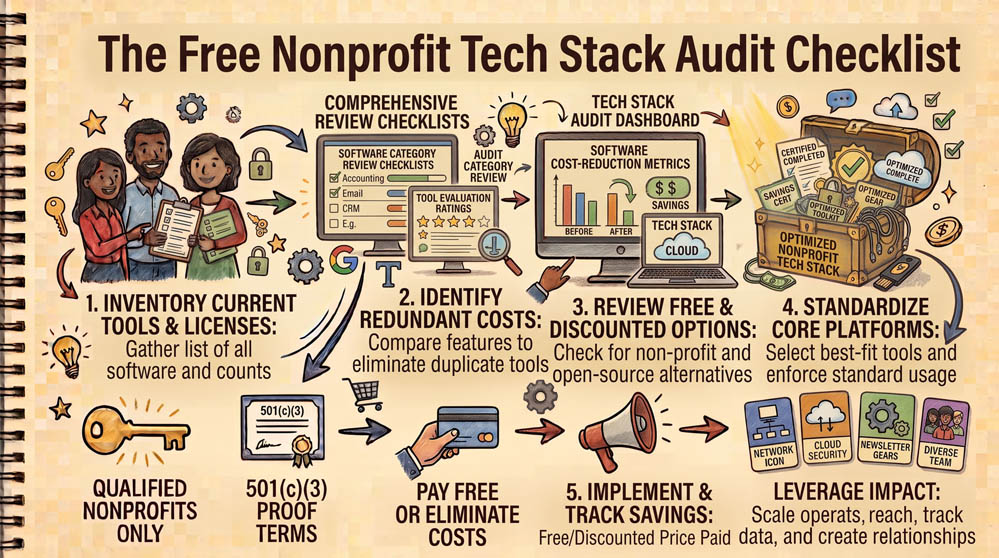
Commercial software subscriptions can quietly drain thousands of dollars from a community nonprofit’s budget every year. Conducting an annual technology stack audit ensures your organization claims every eligible grant, eliminates redundant software, and protects donor records.
Step 1: Inventory All Recurring Software Subscriptions
Review the last 12 months of bank and credit card statements. Build a simple inventory listing every digital tool your team uses, noting the monthly cost, number of users, and the staff member responsible for the account. Flag any retail subscriptions for email, office tools, or storage.
Step 2: Map Retail Tools to Zero-Cost Grant Equivalents
Compare your active software subscriptions against available nonprofit grants. If you are paying for commercial Google or Microsoft accounts, switch to their nonprofit programs. If you are paying retail rates for graphic design, apply for Canva for Teams. If you are paying full price for QuickBooks, transition to TechSoup licensing.
Step 3: Revoke Inactive Accounts and Consolidate Portals
Identify unused licenses assigned to departed staff, volunteers, or past interns. Revoke these accounts immediately to eliminate security liabilities. Centralize administrative access under an organizational IT address rather than personal employee inboxes.
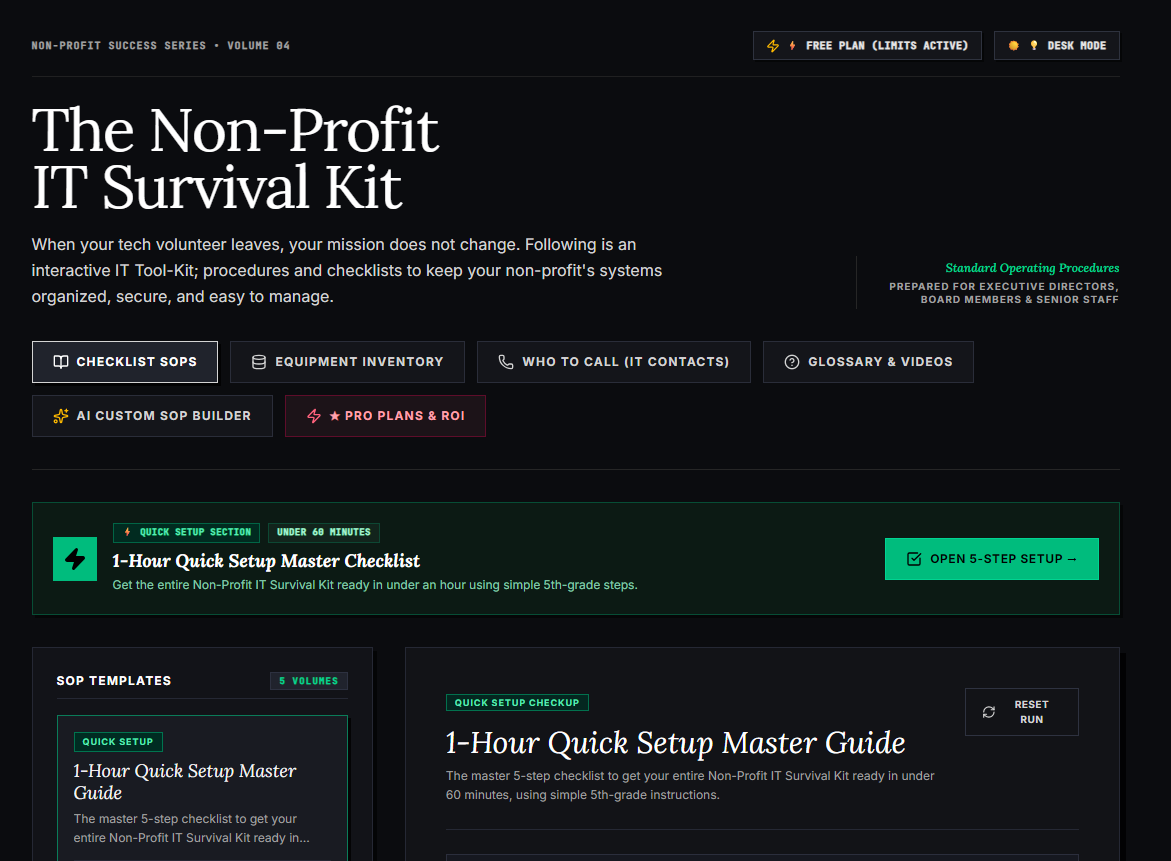
🌟 What’s Included Inside the Hub:
- ⏱ 1-Hour Quick Setup Master Checklist: Get your entire organization’s essential IT organized in under 60 minutes using simple, step-by-step guidance.
- 📋 Complete SOP Checklist Library: Ready-to-use Standard Operating Procedures for onboarding new staff, offboarding volunteers, password security, and data backup.
- 💻 Equipment & Hardware Inventory Tracker: Easily log and track donated laptops, office PCs, printers, and network gear without complicated spreadsheets.
- 📞 “Who to Call” Emergency IT Contact Directory: A centralized registry for internet providers, domain hosts, software support, and emergency technician contacts.
- 📖 Plain-English Tech Glossary & Video Guides: Simple explanations of everyday tech terms so your team never feels lost in technical jargon.
- 🤖 AI Custom SOP Builder: Need a procedure unique to your non-profit? Generate customized, step-by-step IT guidelines in seconds.
👉 Open Free Interactive Hub Here →
0 Comments