
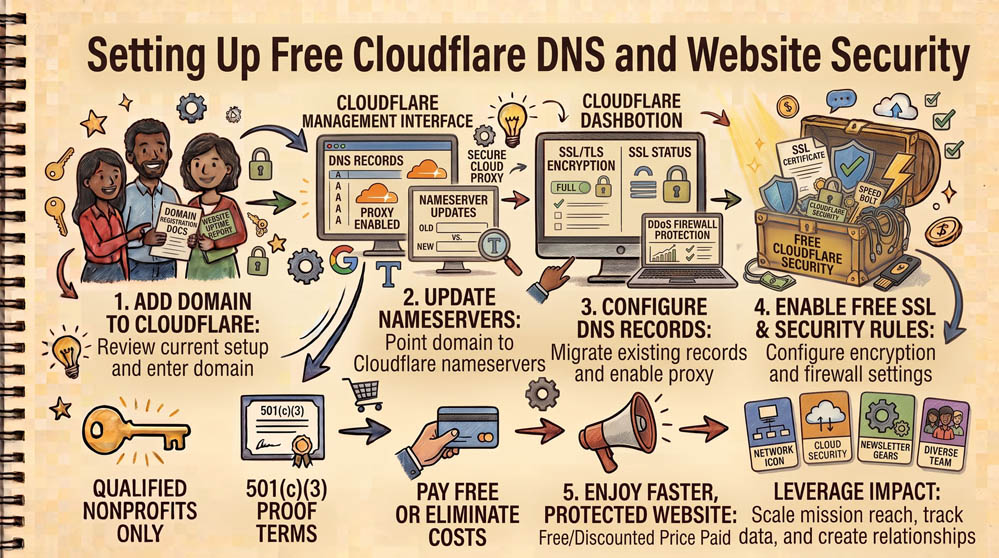
Nonprofit websites are frequent targets for automated bot attacks, malware injection, and brute-force login attempts. Cloudflare’s free plan provides enterprise-grade global Content Delivery Network (CDN) caching, automated SSL encryption, and Web Application Firewall (WAF) protections at zero cost.
Step 1: Create a Free Account and Add Your Site
Navigate to cloudflare.com and create a free account. Click Add a Site and enter your organization’s domain name. Select the Free Plan option at the bottom of the pricing tier selection screen.
Step 2: Scan and Confirm Existing DNS Records
Cloudflare automatically queries and imports your existing DNS records. Review this list carefully to ensure that your website hosting IP and mail exchange (MX) records match your current registrar settings exactly.
Step 3: Update Nameservers at Your Domain Registrar
Cloudflare will provide two custom nameservers. Log into your domain registrar, remove the existing default nameservers, and replace them with Cloudflare’s nameservers. Once propagated, activate “Always Use HTTPS” and “Automatic HTTPS Rewrites” inside Cloudflare’s SSL/TLS tab.
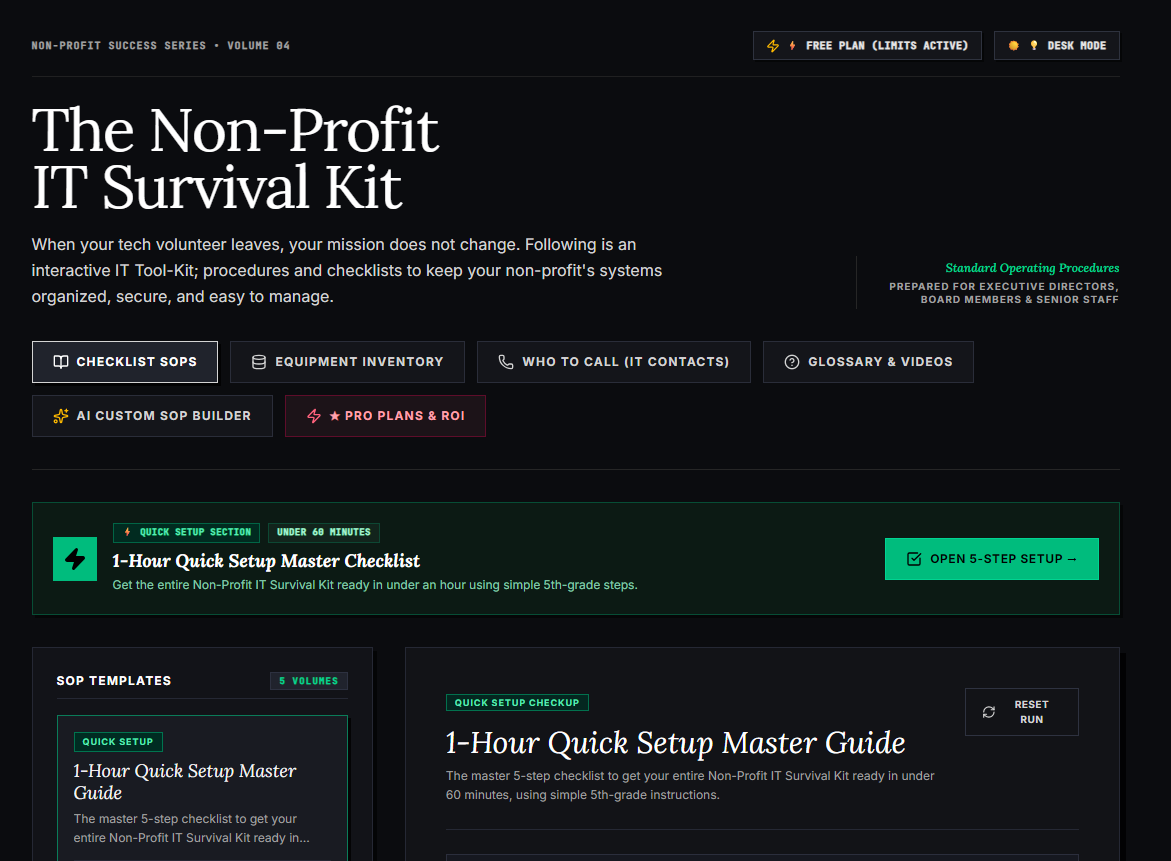
🌟 What’s Included Inside the Hub:
- ⏱ 1-Hour Quick Setup Master Checklist: Get your entire organization’s essential IT organized in under 60 minutes using simple, step-by-step guidance.
- 📋 Complete SOP Checklist Library: Ready-to-use Standard Operating Procedures for onboarding new staff, offboarding volunteers, password security, and data backup.
- 💻 Equipment & Hardware Inventory Tracker: Easily log and track donated laptops, office PCs, printers, and network gear without complicated spreadsheets.
- 📞 “Who to Call” Emergency IT Contact Directory: A centralized registry for internet providers, domain hosts, software support, and emergency technician contacts.
- 📖 Plain-English Tech Glossary & Video Guides: Simple explanations of everyday tech terms so your team never feels lost in technical jargon.
- 🤖 AI Custom SOP Builder: Need a procedure unique to your non-profit? Generate customized, step-by-step IT guidelines in seconds.
👉 Open Free Interactive Hub Here →
0 Comments